
On the “What’s on now” pages (Streaming Shows and Streaming Stations) there is a new checkbox labeled “No Preroll Ads”.
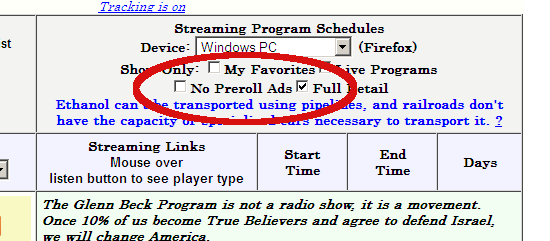
“Preroll Ads” is the jargon in the streaming business of those 30 second video ads (some times only audio) that precede when the player actually starts to begin to load the stream.
Since the beginning of the directory, the sorting was set up to force streams with preroll ads to the bottom of the list. Now the option is there to have them not show up at all.
It’s likely more than a few stations have those ads and just haven’t been flagged yet. They can be tricky to deal with as players don’t necessarily always show an ad every time, depending on time of day, if the station has any ads to sell, your location and what demographics the ad server things you belong to.